 iPhone · iPad · Mac · Android · Web
Turn any PDF into a
print-ready booklet
BookletPro reorders and imposes your pages into folded spreads — ready to print, fold and bind. It also makes PocketMod zines and N-up handouts, and it does all of it on your device, in the app or right in your browser.
No installation, no upload — and on Windows or Linux the browser version does the same job.
See it in action
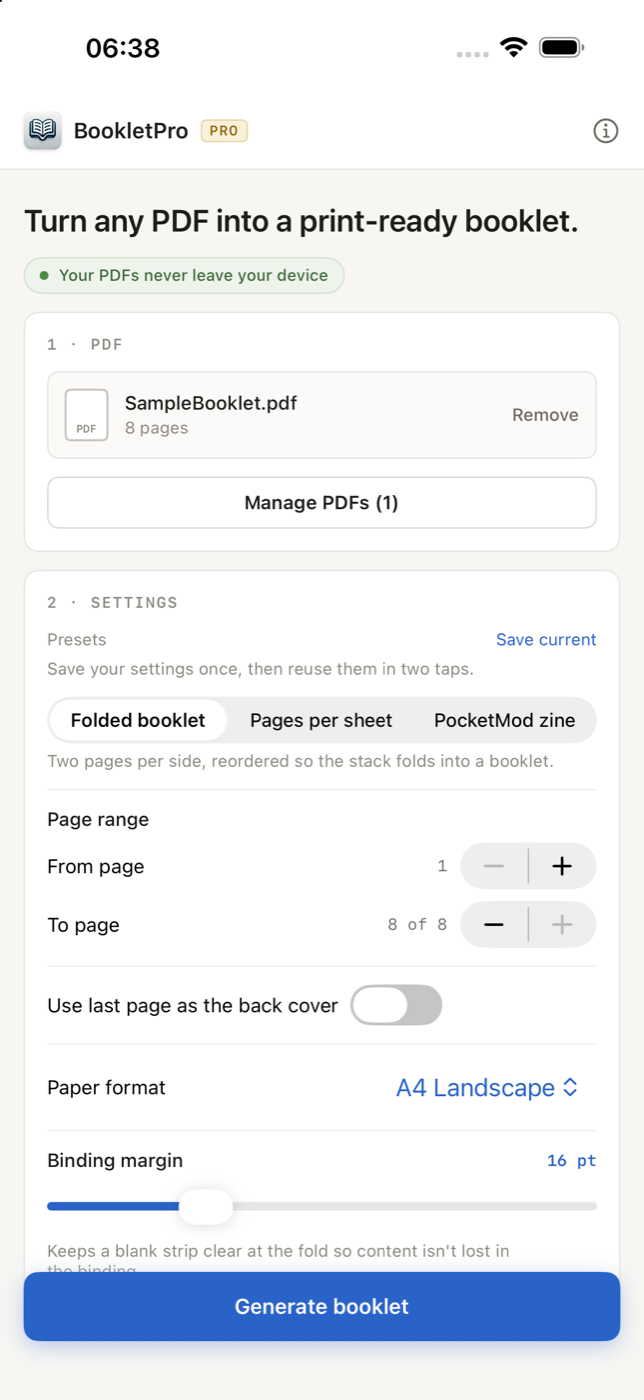
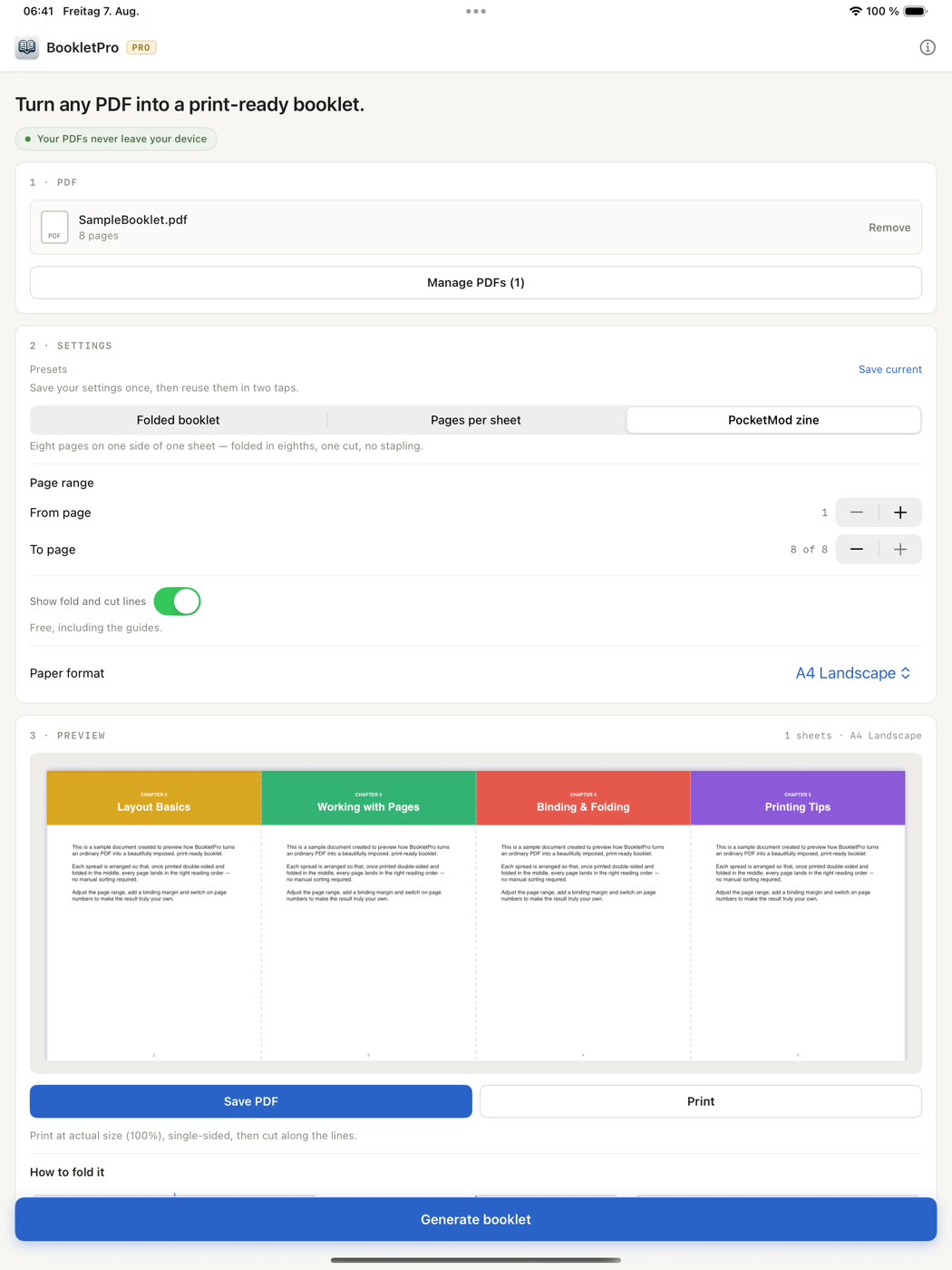
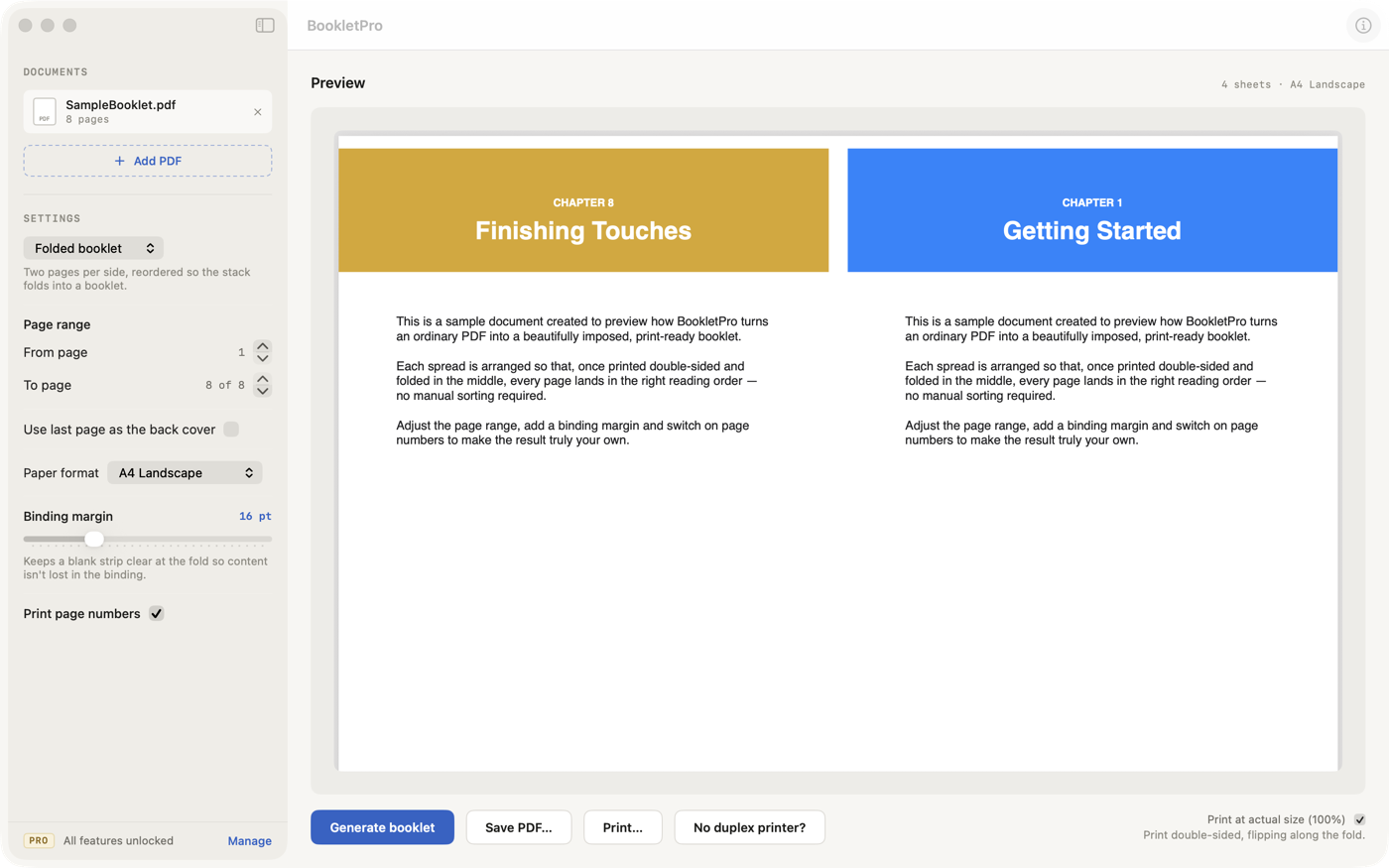
The same booklet engine on iPhone, iPad, Mac and Android.
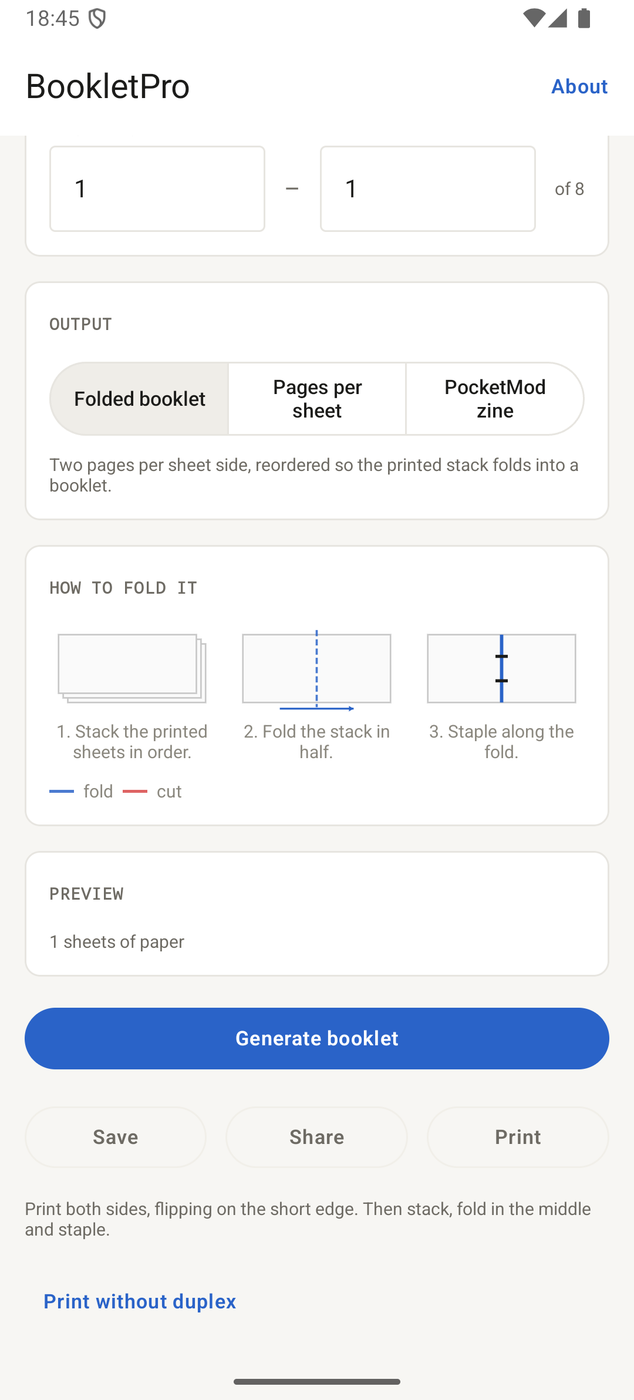
BookletPro in your browser
On a machine with no BookletPro app? No problem. The full booklet engine also runs as a web app — the same imposition logic, straight in the browser tab. Works on Windows, Linux, macOS, Android and iOS.
- 🔒Your PDF never leaves the tabThe imposition runs in your browser — nothing is uploaded to a server.
- ✉️Sign in without a passwordEnter your email, click the link we send you. That's the whole account.
- 🎁Free to startOne PDF, up to 32 pages, in any paper format — no payment details needed.
- 📐The same three output modesBooklet, PocketMod zine and N-up, plus presets and manual duplex — as in the app.
- ⚡️What PRO addsUnlimited pages, up to 10 combined PDFs, a page range, a binding margin and page numbers.
- 🖨️Save or print right awayExport the finished booklet as a PDF or send it to your printer. Printing costs nothing.
Web PRO is purchased separately from the App Store and Google Play versions, and is not linked to your Apple Account or your Google Account.
Everything you need to print booklets
From a quick double-sided pamphlet to a pocket zine or a properly bound book — BookletPro handles the page math for you.
Automatic imposition
Pages are reordered into folded spreads so everything lines up after printing and folding.
PocketMod zine
Eight pages on one sheet, folded in eighths with a single cut. The sheet carries a folding guide.
N-up
Several pages tiled per sheet, in reading order, for handouts and drafts. The free plan covers up to four per sheet.
Live preview
See the finished booklet before you print, save or share it as a PDF.
Manual duplex
No duplex unit? The job splits into two passes, and BookletPro remembers how each of your printers flips the paper.
Presets
Save a set of settings and bring it back, output mode included. The free plan keeps one preset.
Printing
Send the finished job straight to your printer on iPhone, iPad, Mac and Android. Free for everyone.
Every paper format
A4, A3, A5, B5, Legal, Letter and Tabloid, or a custom size in mm, cm, inches or points. Using the last page as the back cover is free too.
On-device & private
Your documents never leave your device. All processing happens locally, and the apps show no ads.
Combine several PDFs PRO
Build one booklet from up to ten separate PDFs.
Binding margin PRO
Add a gutter at the fold so no content disappears into the binding.
Page numbers PRO
Automatically stamp clean page numbers onto your finished booklet.
Page range PRO
Pick exactly which pages of your PDF go into the booklet.
Unlimited pages PRO
Go beyond the free 32-page limit and create booklets of any length.
Three steps to a booklet
No printing know-how required.
Choose a PDF
Import any PDF — from Files or iCloud Drive, from your Mac, or from the file picker on Android.
Adjust & generate
Pick the output mode, set the paper format, page range, binding margin and page numbers, then tap Generate.
Print or save
Print double-sided — in two passes if your printer has no duplex unit — fold in the middle and you're done. Or export the PDF.
Unlock BookletPro PRO
Get unlimited pages, up to ten combined PDFs, custom page ranges, binding margins and page numbers. Printing, every paper format and the back cover are free for everyone. Available as a yearly subscription or a one-time lifetime purchase — in the App Store, synced across all your Apple devices, on Google Play for Android, or in the web app.
Built with privacy in mind
PDFs are processed entirely on your device — in the app locally, in the web app inside your browser tab. The apps show no ads, collect no personally identifiable information, and their anonymous analytics are optional and collect nothing before you have agreed; the web app stores only the email address of your account and has no ads or analytics at all. Read our Privacy Policy.